--------------------------------------------------------------------------------------------------------------------------
1: Java is not installed on your PC.
If
you have problems in seeing the panorama pictures, and get them to move, you
may need "Java". Many web sites need Java to function
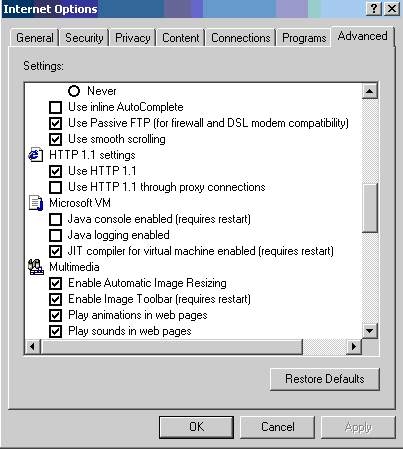
properly. A version of Java, called Microsoft Virtual Machine used to be
included with all windows installation until the company that made Java,
(called Sun), took Microsoft to court for infringements of patents.
Subsequently, in Windows XP, it was not included.
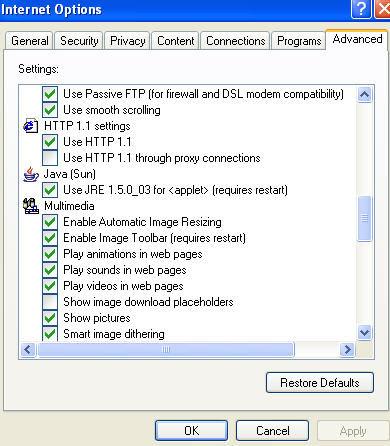
I suggest you download & install Java from Sun Microsystems,
http://www.java.com/en/download/manual.jsp
Instructions here:

Alternatively you could use Microsoft Virtual machine, (this works with
every Java site I have encountered). As I said, Microsoft Virtual
machine used to be included with a windows installation, but due to the
legal wrangle, it was left out in XP. However, you can still get it here:
http://www.itnet.org/ms/msjavx86.exe
Steps to install the Microsoft Virtual Machine:
1. Download the file using the link above and save it to your hard-drive; -
note where it is.
2. Once the file is on your hard drive, double click it, and thus load the
Virtual Machine.
3. As the file begins execution, answer Yes to the License Agreement
question and then once complete, re-boot your PC.
4. Once the PC is re-booted you should be set to go.